Logging In
Access your Shop Director account from any device with a web browser.
Sign In
- Go to your Shop Director URL (provided by your administrator)
- Enter your email address
- Enter your password
- Click Sign in
Forgot Password
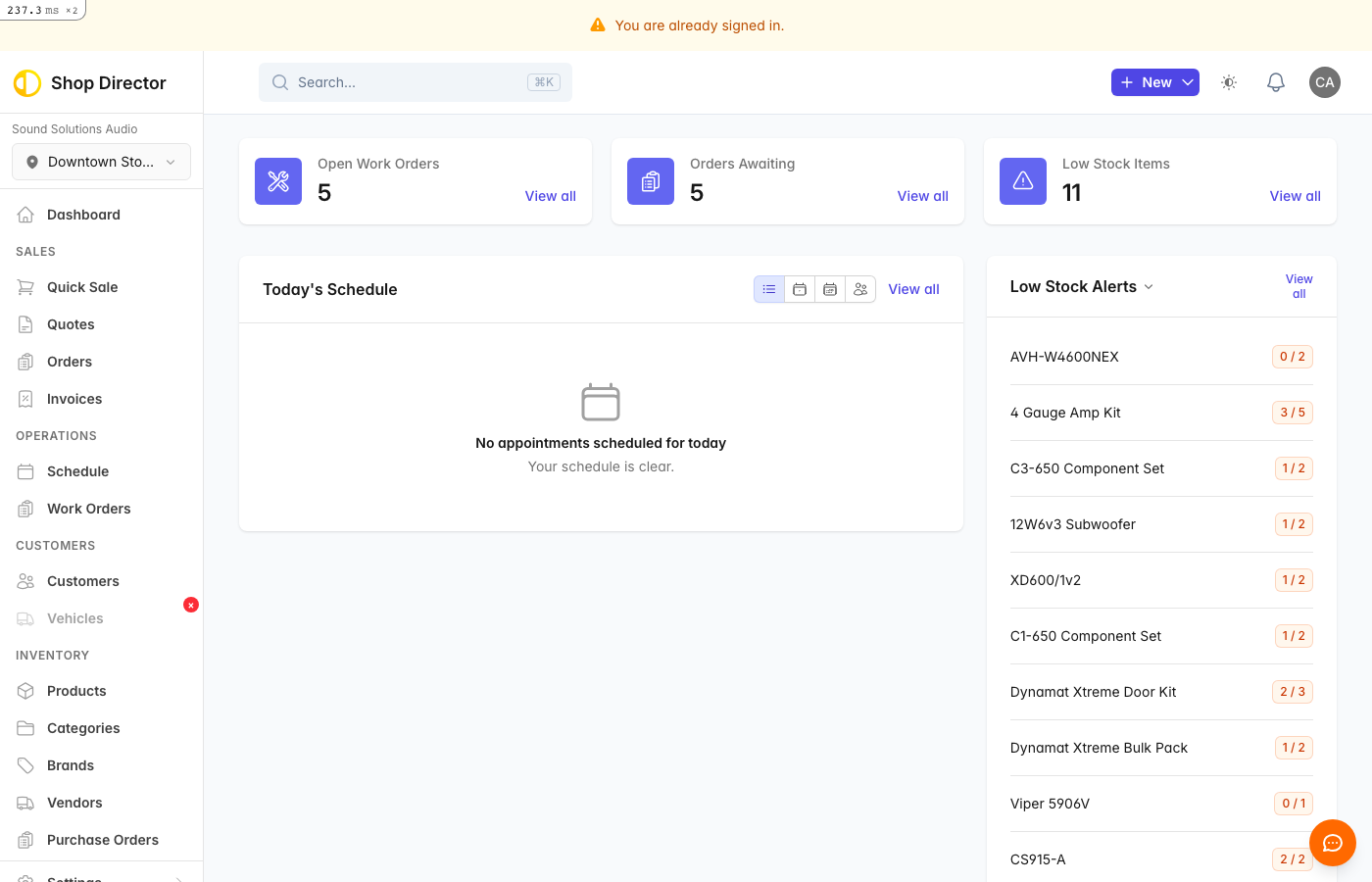
If you've forgotten your password:
- Click Forgot your password? on the login page
- Enter your email address
- Click Send reset instructions
- Check your email for a reset link
- Click the link and create a new password
Stay Signed In
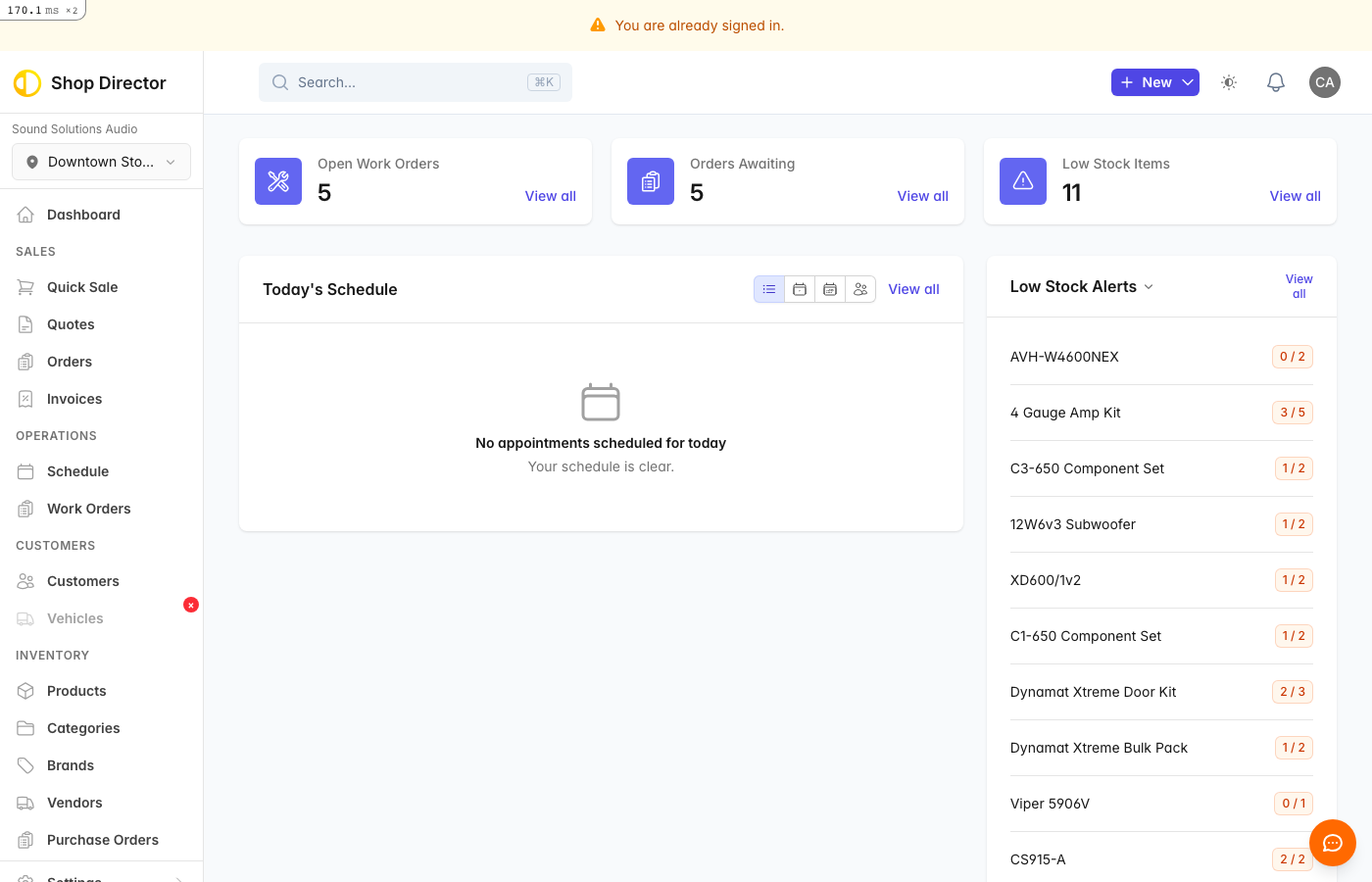
Shop Director keeps you signed in for convenience. You'll only need to log in again if:
- You click Sign out
- You clear your browser cookies
- Your session expires after extended inactivity
Troubleshooting
Can't sign in?
- Double-check your email spelling
- Passwords are case-sensitive
- Try the forgot password flow if needed
- Contact your administrator if problems persist